Latest PHP Security Bug (October 2026): How to Fix It
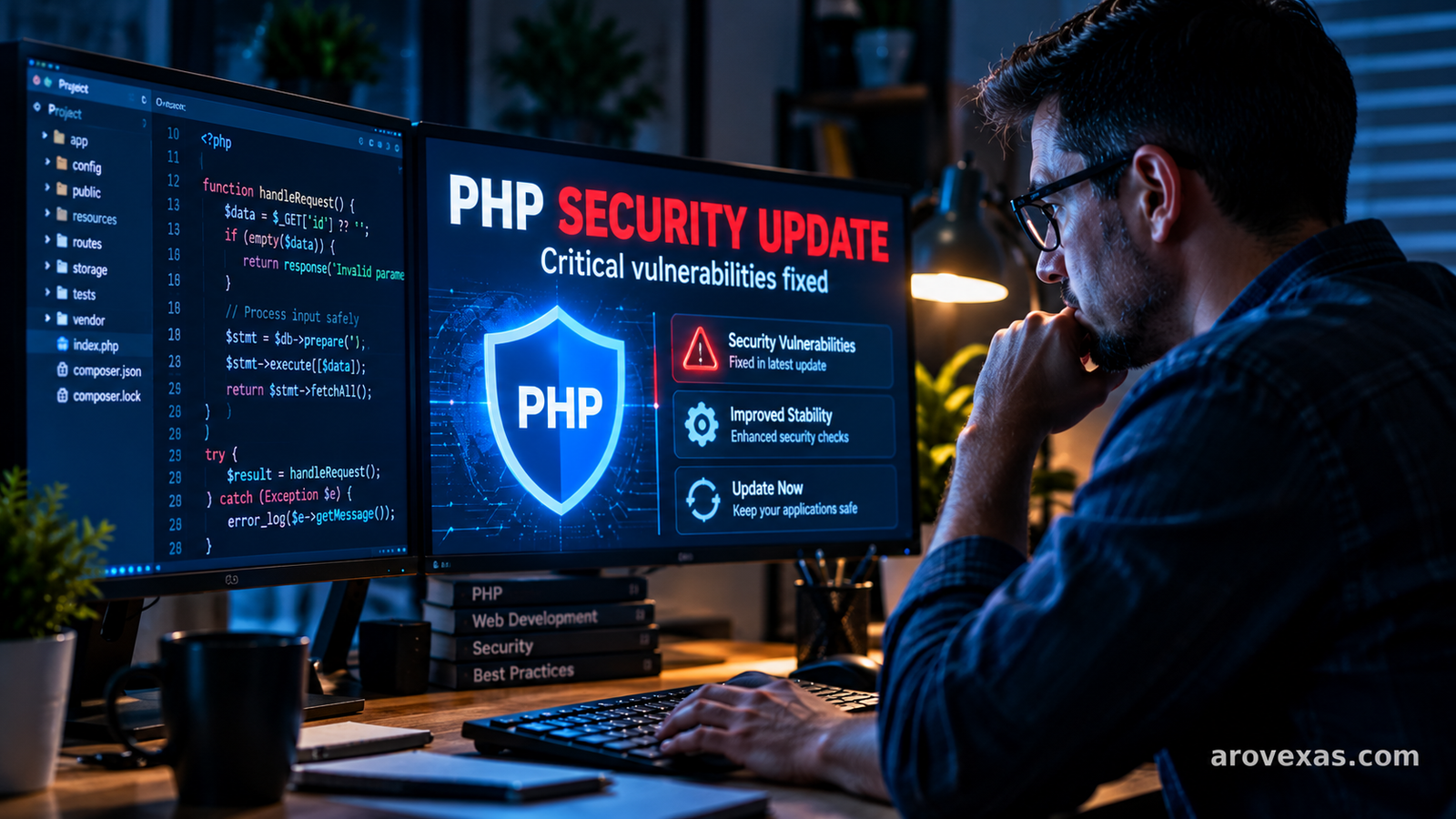
PHP developers and website administrators should pay attention to the latest PHP security update released in October 2026. The PHP development team has announced fixes for two critical vulnerabilities that, under certain conditions, could allow an unauthenticated attacker to execute code on a vulnerable server.
The issue matters because PHP powers a wide range of websites, content management systems, and web applications. If your website uses PHP, keeping the server runtime updated is an important part of protecting your website and its data.
In this guide, we explain what happened, which PHP versions received fixes, how to check your current version, and what website owners should do next.
What Is the Latest PHP Security Bug?
On October 21, 2026, the PHP development team announced security releases addressing two critical vulnerabilities. The announcement warned that the vulnerabilities could allow remote code execution without authentication under the right conditions.
The vulnerabilities are tracked as CVE-2026-109618 and CVE-2026-109619.
According to the PHP Foundation, the issues involve problems with internal memory and request-state handling. In certain circumstances, these problems could leave PHP in an unsafe state that an attacker might exploit.
This is a PHP runtime security issue, not simply a coding mistake in an individual website. Consequently, administrators should check the PHP version used by their server and determine whether the installed release includes the relevant fixes.
Official announcement: https://news-web.php.net/php.announce/513
Which PHP Versions Have Security Fixes?
The October 2026 security announcements identify updated releases for several maintained PHP branches.
| PHP branch | Fixed release |
|---|---|
| PHP 8.5 | 8.5.12 |
| PHP 8.4 | 8.4.27 |
| PHP 8.3 | 8.3.36 |
| PHP 8.2 | 8.2.35 |
These are the fixed versions announced for the respective branches. Before updating, verify the latest available security release for your branch on the official PHP website.
Older or unsupported PHP branches require particular attention. If a branch no longer receives security updates, moving to a supported PHP version may be necessary rather than relying on an update that is not available.
Official changelog: https://www.php.net/ChangeLog-8.php
Why Is This PHP Bug Important?
1. Potential Remote Code Execution
Remote code execution, often abbreviated as RCE, is a serious class of security vulnerability. It can allow an attacker to cause a vulnerable application or server to execute code remotely.
The impact depends on the vulnerability, server configuration, and privileges available to the affected process. In a successful attack, consequences may include unauthorized access to data, disruption of website services, or further compromise of the affected environment.
The PHP announcement identifies these vulnerabilities as critical. Website administrators should therefore prioritize checking their installations and applying the appropriate security fixes.
2. Websites May Be Affected Through Their Hosting Environment
Many website owners do not install PHP themselves. Instead, their hosting provider manages the PHP runtime.
This is common with WordPress websites, online stores, business websites, and other PHP-powered applications.
However, the PHP version selected in a hosting dashboard may not always represent every PHP environment on the server. Websites can use different versions for web requests, command-line tasks, scheduled jobs, or separate applications.
If you use managed hosting, ask your provider to confirm that the PHP runtime serving your website has been patched.
3. Updating PHP Is Part of Routine Website Security
Security problems can arise in programming languages, frameworks, plugins, themes, and server components.
Keeping PHP updated reduces exposure to known runtime vulnerabilities. It should be combined with application updates, secure configuration, access controls, reliable backups, and monitoring.
Updating PHP alone does not guarantee that a website is secure, but ignoring a critical security release can leave a known weakness unaddressed.
How to Check Your PHP Version
Before making changes, identify the PHP version used by your website.
Method 1: Check Your Hosting Dashboard
Many hosting companies provide a PHP management section in their control panel.
- Sign in to your hosting account.
- Open the website or domain management section.
- Find the PHP version selector or PHP configuration page.
- Record the active PHP version for the affected domain.
- Check whether your hosting provider has applied the relevant security updates.
The exact menu names depend on your hosting company.
Method 2: Check PHP From the Command Line
If you have authorized SSH access to your server, run:
php -vThe command displays the PHP version associated with the command-line executable.
Important: This may not be the same PHP version used by your website’s web server. Confirm the PHP-FPM, Apache, or hosting configuration for the actual web application as well.
Method 3: Ask Your Hosting Provider
If you cannot access the PHP configuration, contact your hosting provider and ask:
- Which PHP version serves my website?
- Has the October 2026 PHP security update been installed?
- Is the web-facing PHP runtime patched?
- Does my account use a supported PHP branch?
- Will updating PHP affect any of my hosted applications?
These questions can help clarify whether the necessary fix is already in place.
How to Fix the Latest PHP Security Bug
The appropriate fix is to update to a PHP release that contains the security patches for the affected branch.
Step 1: Back Up Your Website
Before changing the PHP runtime, create a recent backup of your website files and database.
Verify that you can access the backup and understand how to restore it. For important business websites, test changes in a staging environment whenever possible.
Step 2: Identify Your Current PHP Branch
Determine whether your website uses PHP 8.5, 8.4, 8.3, 8.2, or an older branch.
Compare your installed version against the fixed releases listed in the official PHP changelog. Do not assume that a version is safe simply because it is relatively recent.
Step 3: Install the Appropriate Security Update
If you manage your own server, follow the instructions for your operating system, package manager, PHP installation method, and web server.
If your hosting provider manages PHP, use its supported update process or contact its technical team.
Do not download or execute scripts from unknown websites claiming to fix the vulnerability. Use official PHP distributions or trusted operating-system and hosting channels.
Step 4: Test Website Compatibility
After the update, test the main functions of your website, including:
- Homepage and important landing pages.
- Login and registration forms.
- Contact forms.
- Database-driven pages.
- Payment or checkout processes, where applicable.
- Scheduled jobs and background tasks.
- Error logs and application integrations.
If you maintain a WordPress website, also check that your theme and plugins work correctly with the updated PHP version.
Step 5: Confirm the Fix
Check the active PHP version again and confirm that the web-facing runtime is using the patched release.
Review server logs for unexpected errors, verify that critical website functions work, and keep a record of the update for future maintenance.
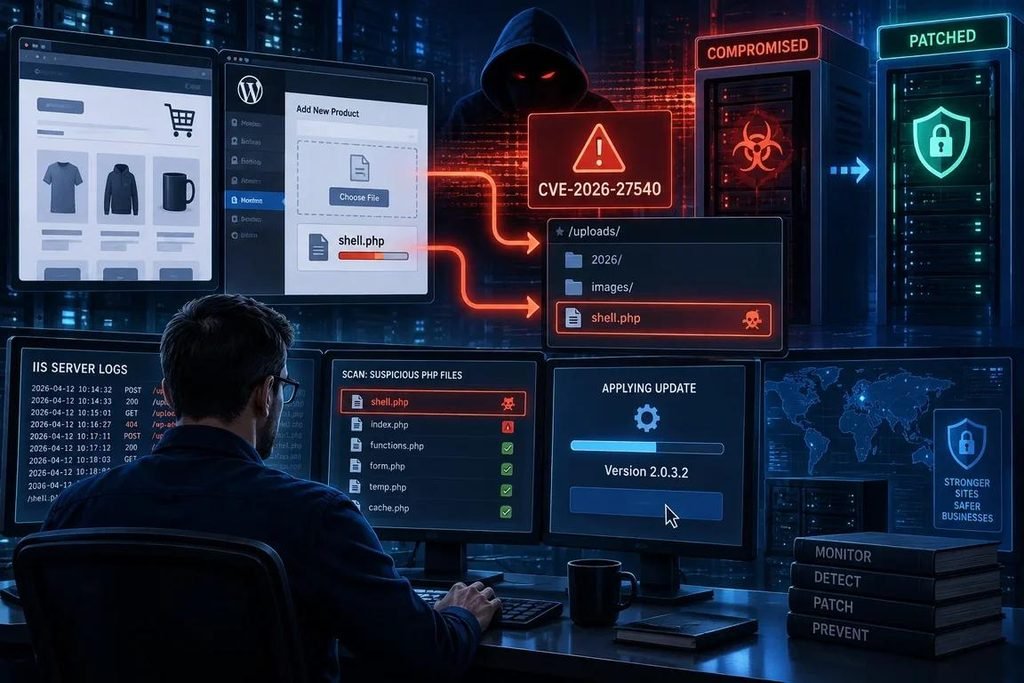
What Should WordPress Website Owners Do?
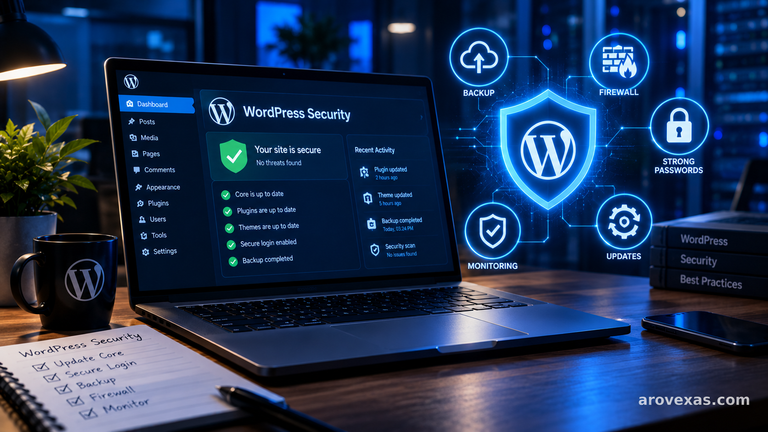
WordPress uses PHP to execute much of its server-side functionality, so PHP security maintenance matters to WordPress administrators.
If your website runs WordPress, follow these practical steps:
Contact your hosting provider: Confirm which PHP runtime your website uses and whether the security update has been applied.
Keep WordPress updated: Install supported WordPress security and maintenance releases after following your normal backup and testing process.
Update themes and plugins: Remove unused extensions and maintain the ones your website actually needs.
Review administrator accounts: Remove unnecessary users and use strong, unique passwords with multi-factor authentication where available.
Maintain backups: Keep recent copies of website files and databases, preferably with a protected backup stored separately from the production environment.
Monitor the website: Check for unusual errors, unexpected file changes, suspicious accounts, or other signs of compromise.
If your hosting provider has already installed the relevant PHP security patch, you may not need to perform a separate server update yourself. You should still verify the active runtime and continue routine website maintenance.
Can a PHP Update Break My Website?
A PHP update can expose compatibility problems in older applications, plugins, custom code, or server configurations. This does not mean that you should ignore a critical security fix.
Instead, prepare carefully:
- Back up the website and database.
- Review compatibility requirements for your application.
- Test the updated runtime on staging if possible.
- Check error logs after deployment.
- Keep a recovery plan in case a problem occurs.
For production systems, coordinate the update with your hosting provider or administrator if you are unsure how the server is configured.
Avoid switching to an unsupported PHP version simply to work around compatibility problems. Fix the incompatible code or extension and plan a move to a supported runtime.
Is There a Temporary Workaround?
The PHP development team’s security announcement states that there are no complete mitigations for these vulnerabilities and that updating is the safe choice.
Configuration changes and general security measures may reduce other risks, but they should not be treated as substitutes for the relevant PHP security update.
If you cannot patch immediately, contact your hosting provider or security team to determine the safest short-term response. Prioritize systems exposed to the internet and arrange the update as soon as practical.
Frequently Asked Questions
What is the latest PHP security bug in October 2026?
The PHP team announced two critical vulnerabilities on October 21, 2026: CVE-2026-109618 and CVE-2026-109619. Under certain conditions, they could allow unauthenticated remote code execution. Consult the official PHP announcement for technical details.
Which PHP versions have been patched?
The announced fixed releases are PHP 8.5.12, 8.4.27, 8.3.36, and 8.2.35. Check the official PHP changelog for subsequent releases and branch-specific guidance.
Does this vulnerability affect WordPress websites?
WordPress runs on PHP, so WordPress administrators should verify the PHP runtime used by their hosting environment. The precise exposure depends on the installed version and environment. Contact your provider if you cannot verify whether the fix is installed.
How do I know if my PHP website is vulnerable?
Check the active PHP version and compare it with the fixed releases for the relevant branch. If you use managed hosting, ask your provider to confirm that the web-facing runtime has received the patch. Version checks alone do not establish whether a server has been compromised.
Can I fix the PHP bug by updating a WordPress plugin?
No. A plugin update does not replace a missing security patch in the PHP runtime. Update PHP through the appropriate server or hosting process, and maintain your WordPress core, plugins, and themes separately.
Is it safe to keep using an older PHP version?
An older version may no longer receive security fixes. Check the PHP project’s supported-versions policy and plan to move to a supported branch. For critical vulnerabilities, discuss an immediate mitigation and upgrade plan with your hosting provider.
Where can I download the official PHP update?
Start at the official PHP downloads page: https://www.php.net/downloads.php. If your operating system or hosting provider manages PHP packages, use its trusted update mechanism and instructions.
Final Thoughts
The October 2026 PHP security announcement is an important reminder that keeping a website’s underlying software updated is essential.
The two critical vulnerabilities identified as CVE-2026-109618 and CVE-2026-109619 could allow remote code execution under certain conditions. PHP administrators should check the active runtime, install the appropriate security release, test critical website functions, and confirm that the web-facing environment is patched.
For WordPress owners, the best approach is to coordinate with the hosting provider when necessary and maintain a broader security routine that includes updates, backups, access controls, and monitoring.
For official technical details, refer to the PHP security announcement and changelog:
- PHP release announcement: https://news-web.php.net/php.announce/513
- PHP changelog: https://www.php.net/ChangeLog-8.php
- PHP downloads: https://www.php.net/downloads.php
- UK National Cyber Security Centre guidance: https://www.ncsc.gov.uk/news/critical-security-issue-affecting-php
This article is for general informational purposes. Verify current release information and consult your hosting provider before making production server changes.