How to Choose Cybersecurity Software for a Small Business
Small businesses depend on computers, cloud applications, email, online payments, and digital customer records to operate efficiently. However, these same technologies can expose a business to phishing attacks, ransomware, stolen passwords, and data breaches.
Choosing the right cybersecurity software for a small business can help reduce these risks, protect important information, and improve operational continuity. The challenge is knowing which security features are essential, which tools are worth paying for, and how to choose a solution that fits your business.
In this guide, we explain the main types of cybersecurity software, the features to compare, common purchasing mistakes, and practical steps for building a stronger security strategy.
What Is Cybersecurity Software for Small Businesses?
Cybersecurity software refers to applications and services designed to protect computers, networks, accounts, websites, and business information from digital threats.
Depending on the product, these tools may detect malware, block suspicious websites, monitor network activity, secure employee accounts, encrypt sensitive files, or help businesses recover after a security incident.
Small businesses do not always need an expensive enterprise security platform. The right solution depends on the size of the organization, the sensitivity of its data, the number of devices it uses, and the risks associated with its daily operations.
For example, a small online store may prioritize website security, payment protection, and account access controls. A consulting firm may place greater emphasis on secure email, document sharing, endpoint protection, and cloud backups.
The goal is to select security tools that address real business risks rather than purchasing features that will never be used.
Why Small Businesses Need Cybersecurity Protection
A security incident can interrupt operations even when a company has only a few employees. Losing access to customer records, invoices, project files, or business email may create unexpected expenses and damage customer trust.
Here are several reasons to take cybersecurity seriously.
1. Protection Against Malware and Ransomware
Malware is malicious software designed to damage systems, steal information, or gain unauthorized access. Ransomware is a type of malware that can prevent access to files or systems until the attacker demands payment.
Endpoint security software can help identify malicious activity on computers and other supported devices. However, no single security product can prevent every attack.
Businesses should combine endpoint protection with software updates, access controls, and reliable backups.
2. Safer Business Email
Email remains an important communication channel for invoices, customer inquiries, supplier instructions, and financial documents.
Attackers may impersonate a supplier or employee to persuade someone to disclose credentials or transfer money. Email security tools can help identify suspicious attachments, malicious links, spam, and impersonation attempts.
Staff training is also essential because convincing fraudulent messages can sometimes bypass automated filters.
3. Protection of Customer Information
Businesses that collect customer names, contact details, payment information, or other personal data must consider how that information is stored and accessed.
Security software can contribute to protecting this information through encryption, access restrictions, monitoring, and threat detection. Businesses should also collect only the information they genuinely need and establish appropriate retention and deletion practices.
4. Reduced Operational Disruption
A cyberattack may prevent employees from accessing essential systems or completing customer orders.
Automated backups, documented recovery procedures, and security monitoring can help a business respond more effectively when something goes wrong.
Types of Cybersecurity Software to Consider
Not every business needs every security category. Use the following overview to identify the tools most relevant to your situation.
| Security tool | Primary purpose | Most relevant for |
|---|---|---|
| Antivirus and endpoint protection | Detecting and blocking malicious software | Businesses with computers and mobile devices |
| Endpoint detection and response (EDR) | Investigating suspicious activity on supported devices | Businesses requiring more advanced threat visibility |
| Email security software | Filtering malicious messages and attachments | Businesses that depend heavily on email |
| Password managers | Creating and storing unique passwords | Teams managing multiple online accounts |
| Firewall and network security | Controlling network traffic and connections | Offices and businesses with connected devices |
| Backup and recovery software | Restoring files and systems after data loss | Businesses with important digital records |
| Identity and access management | Controlling user access and authentication | Teams using cloud applications and shared systems |
| Website security tools | Monitoring and protecting websites and applications | Online stores, publishers, and service businesses |
Some providers bundle several capabilities into one subscription, while others sell individual products. Compare the actual features included in each plan instead of assuming that a higher-priced package automatically offers better protection.
Essential Features to Look for in Cybersecurity Software
Before purchasing a security product, evaluate the features that address your most important risks.
Real-Time Threat Detection
Look for software that monitors supported devices or systems and can identify suspicious behavior. Check whether it provides automatic blocking, clear security alerts, and useful guidance when it detects a threat.
Ask whether protection continues when employees work remotely and whether the product supports all the operating systems your team uses.
Automatic Security Updates
Security vulnerabilities can be discovered after software has already been released. Vendors issue updates to address bugs and known weaknesses.
Choose tools that receive regular security updates and make it easy to keep the software current. Your business should also maintain updates for operating systems, browsers, plugins, and other applications.
Multi-Factor Authentication
Multi-factor authentication (MFA) requires an additional verification step beyond a password.
For example, an employee may need to approve a sign-in using an authenticator application or a security key. This can reduce the risk associated with stolen passwords.
Where available, prioritize phishing-resistant authentication methods for important accounts, especially administrator accounts and systems containing sensitive business data.
Centralized Management
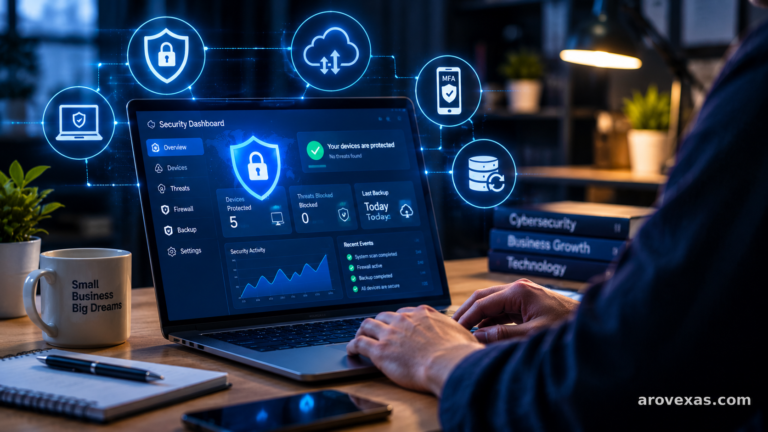
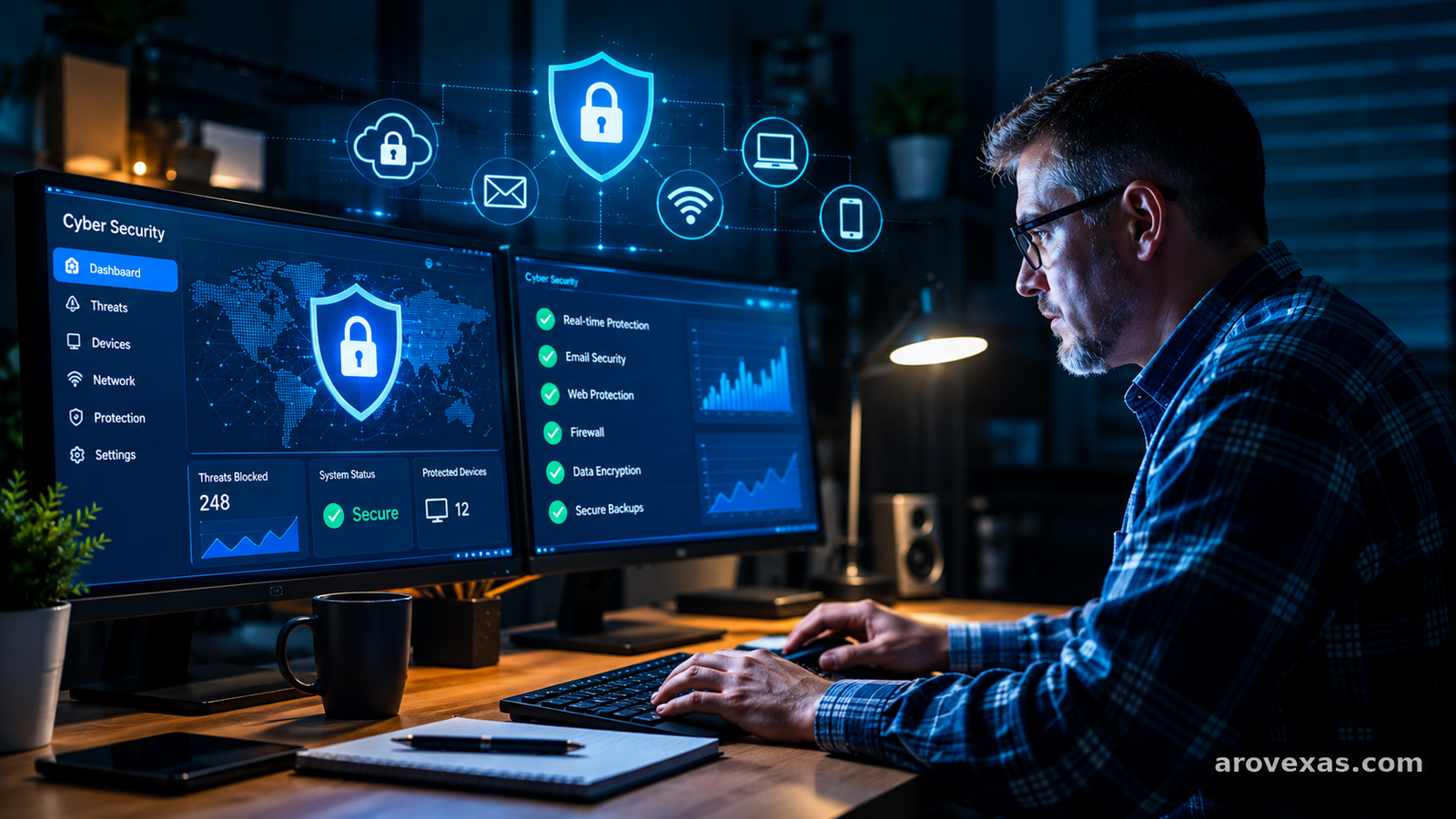
If you manage multiple computers or employee accounts, a centralized dashboard can simplify security administration.
Useful capabilities may include device inventories, security alerts, update status, user permissions, and reporting. Before choosing a product, determine whether centralized management is included in the advertised plan or requires an additional subscription.
Backup and Recovery Options
Backups are an important part of a security strategy because security tools cannot guarantee that every file will remain available after an incident.
Look for a backup solution that supports automatic scheduling, appropriate encryption, access controls, and recovery testing. Maintain copies that attackers cannot easily modify or delete from your normal business environment.
Test the restoration process regularly. A backup is much less useful if you discover during an emergency that it is incomplete or cannot be restored.
Clear Alerts and Responsive Support
Security alerts should explain what happened, which device or account may be affected, and what action is recommended.
If your business lacks dedicated IT staff, prioritize products that are easy to manage and offer support suitable for your needs. Check support hours, response arrangements, documentation, and any extra charges for incident assistance.
How Much Does Cybersecurity Software Cost?
The cost of cybersecurity software varies according to the provider, number of users or devices, selected features, support level, and subscription terms.
Some basic protections are included with operating systems or existing business services. More advanced endpoint monitoring, managed security, email filtering, and centralized administration may require paid subscriptions.
Rather than relying on a single advertised price, calculate the total cost of ownership.
Consider these expenses:
- Subscription fees: Monthly or annual charges per user, device, or organization.
- Installation and configuration: Time or professional fees needed to deploy the product.
- Management: Staff time required to review alerts, maintain policies, and manage devices.
- Additional services: Optional backup storage, monitoring, premium support, or incident response.
- Renewal costs: Price changes, contract terms, and automatic renewal conditions.
Request a complete quotation for your expected number of users and devices. Confirm the billing period, cancellation policy, renewal price, and features included before committing.
The cheapest product may not cover your most important risks, but the most expensive product may also provide capabilities your business does not need.
How to Choose the Right Cybersecurity Software
Use this practical process to compare products.
Step 1: Identify Your Business Assets
List the computers, mobile devices, cloud services, websites, business accounts, and files your organization depends on.
Identify which assets contain confidential information or would cause significant disruption if they became unavailable.
Step 2: Assess Your Biggest Risks
Consider how your business might be affected by phishing, stolen credentials, malware, unauthorized access, device theft, or accidental file deletion.
An online retailer, a freelance designer, and a local accounting firm will not necessarily have the same security priorities.
Step 3: Define Your Requirements
Create a shortlist of essential features. For a small organization, this may include endpoint protection, multi-factor authentication, secure backups, automatic updates, and basic security reporting.
Add more advanced monitoring or managed support if your risk assessment shows that these capabilities are necessary.
Step 4: Compare Independent Evidence
Read product documentation, security advisories, independent testing, and recent customer feedback.
Check whether the provider explains its security features clearly and publishes information about updates, support, data handling, and known limitations.
Do not rely solely on affiliate rankings, promotional claims, or reviews that do not explain how the product was evaluated.
Step 5: Test Before Buying
Where possible, use a legitimate trial or demonstration to assess usability, compatibility, reporting, and support.
Test the software on a small number of suitable devices before deploying it across your organization. Confirm that it does not interfere with essential applications or existing security controls.
Step 6: Review the Setup Regularly
Cybersecurity is an ongoing process rather than a one-time purchase.
Review user permissions, security alerts, update status, backup results, and employee training on a regular schedule. Reassess your requirements when your business adopts new applications or begins collecting more sensitive information.
Common Cybersecurity Mistakes Small Businesses Should Avoid
Purchasing security software is only one part of protecting a business. These common mistakes can undermine an otherwise sensible security investment.
Relying on one product for everything: Endpoint protection does not replace backups, secure authentication, staff training, or a recovery plan.
Ignoring software updates: Delayed updates can leave known vulnerabilities unaddressed.
Reusing passwords: A compromised password can put multiple business accounts at risk. Use unique passwords and a reputable password manager.
Failing to test backups: Regularly confirm that important files can actually be restored.
Giving everyone administrator access: Restrict permissions to what each employee needs for their role.
Ignoring employee training: Teach staff to recognize suspicious links, unexpected attachments, fraudulent payment requests, and unusual sign-in prompts.
Buying features without evaluating needs: An unnecessarily complicated product may be difficult to maintain. Choose capabilities your organization can configure and use effectively.
A Practical Cybersecurity Checklist for Small Businesses
Use this checklist to review your current security arrangements.
- Install and maintain reputable endpoint protection on supported devices.
- Enable multi-factor authentication for important accounts.
- Use unique passwords and a password manager.
- Turn on automatic updates wherever appropriate.
- Back up important business data on a regular schedule.
- Test file restoration and recovery procedures.
- Restrict access to sensitive information.
- Secure business Wi-Fi and router administration.
- Train employees to recognize phishing and social engineering.
- Document the steps to take if an account or device is compromised.
- Review vendor security, data handling, and support arrangements.
- Reassess security controls whenever business requirements change.
For additional guidance, consult the National Institute of Standards and Technology’s small-business cybersecurity resources and the Federal Trade Commission’s cybersecurity guidance for businesses.
Frequently Asked Questions
What is the best cybersecurity software for a small business?
There is no single best solution for every organization. The right choice depends on your devices, budget, data sensitivity, technical resources, and required security features. Compare products against a written list of requirements and verify their capabilities before purchasing.
Is free cybersecurity software enough for a small business?
Free tools may provide useful basic protection, but they may not include centralized management, advanced monitoring, business support, or all the controls your organization requires. Evaluate your risks and the exact features included before deciding whether a free option is sufficient.
Does antivirus software protect against ransomware?
Antivirus and endpoint security tools can help detect or block many malicious programs, including some ransomware threats. However, no product guarantees complete protection. Secure backups, timely updates, MFA, access controls, and employee training provide additional layers of defense.
How often should a business review its cybersecurity?
Review security continuously through alerts and routine maintenance, with more formal assessments at regular intervals and whenever significant changes occur. New employees, new cloud services, changes in data collection, and security incidents may all justify an earlier review.
Should a small business hire a cybersecurity professional?
A business with limited internal IT expertise may benefit from an independent security assessment or managed security provider. The decision depends on the sensitivity of the data, complexity of the systems, regulatory obligations, and ability to respond to incidents internally.
Can cybersecurity software prevent every data breach?
No. Security software reduces certain risks but cannot eliminate them all. Effective protection combines suitable technology with secure configurations, employee awareness, access management, tested backups, and a documented incident response plan.
Final Thoughts
Choosing cybersecurity software for a small business starts with understanding what you need to protect and which threats could disrupt your operations.
Prioritize essential capabilities such as endpoint protection, multi-factor authentication, timely updates, access controls, and dependable backups. Compare the total cost of ownership, verify product claims, and test solutions before deploying them widely.
Most importantly, treat cybersecurity as an ongoing business responsibility. The right combination of practical tools, clear policies, and regular reviews can help your organization protect its information and respond more effectively when problems occur.
Helpful resources:
- National Institute of Standards and Technology: https://www.nist.gov/itl/smallbusinesscyber/cybersecurity-basics
- Federal Trade Commission: https://www.ftc.gov/business-guidance/small-businesses/cybersecurity
- Cybersecurity and Infrastructure Security Agency: https://www.cisa.gov/small-and-medium-sized-business-resources
This article is for general educational purposes and is not a substitute for a security assessment tailored to your business.